Simulation and debugging
The simulator is a deterministic shared-world model for IC10 programs. It is especially useful for debugging logic, network coordination, device access, and repeatable tests before loading code into a live save.
Start a session
- Run IC10: Create Simulation Environment or open a template.
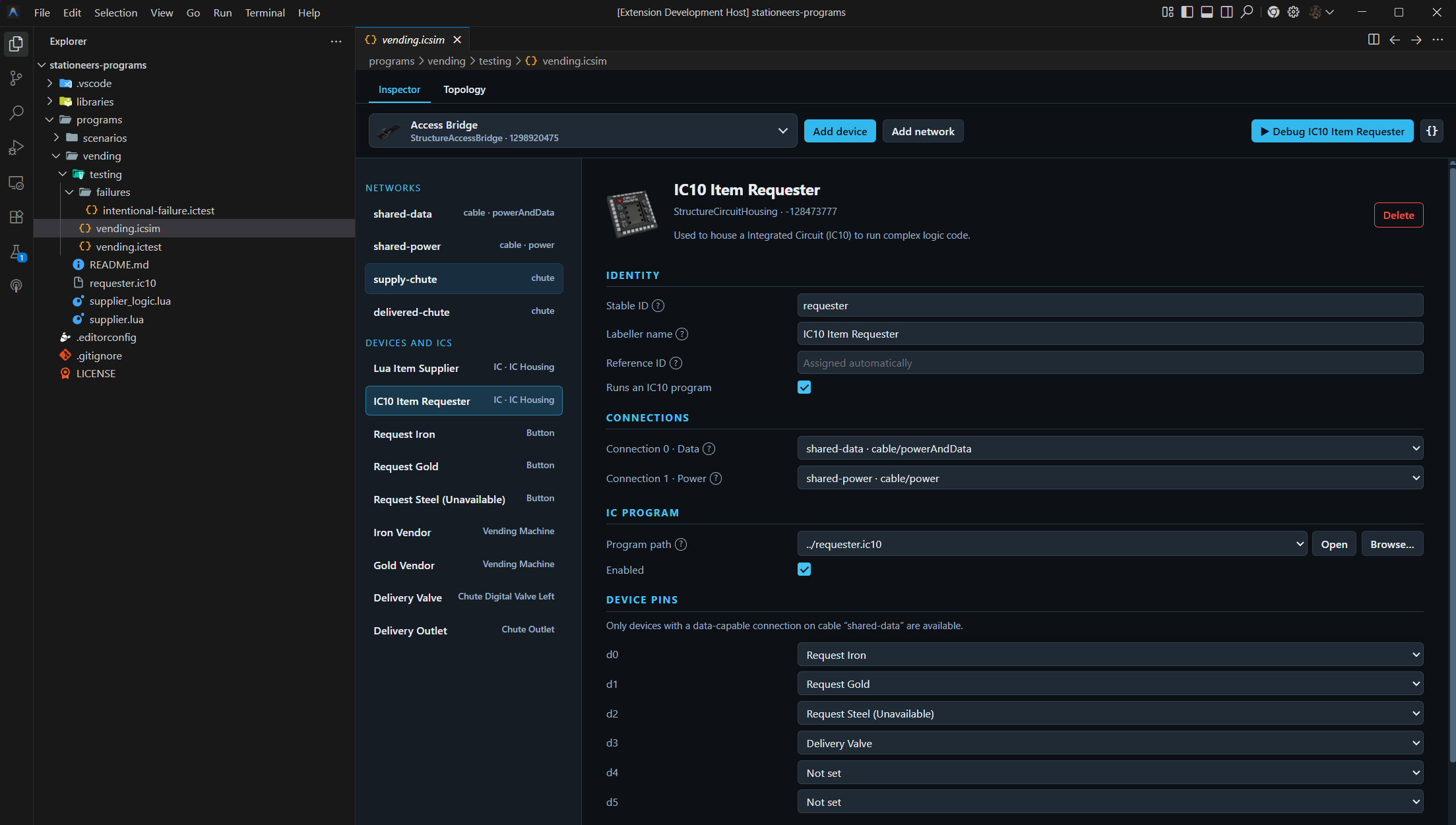
- Add IC housings, devices, networks, and program paths.
- Configure numbered data connections, pins, registers, and initial stack.
- Select an IC and press F5, or use the environment editor's Debug action.
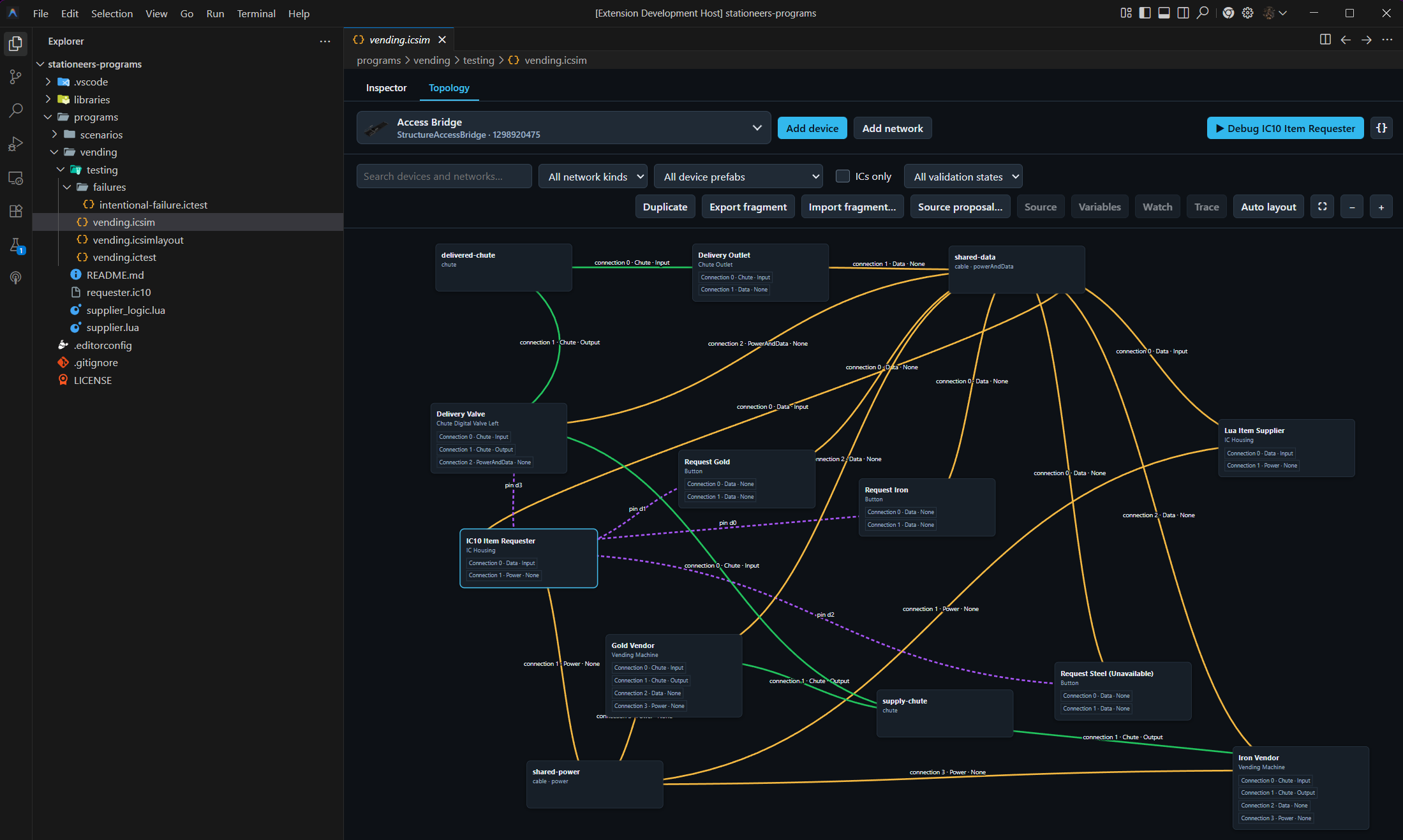
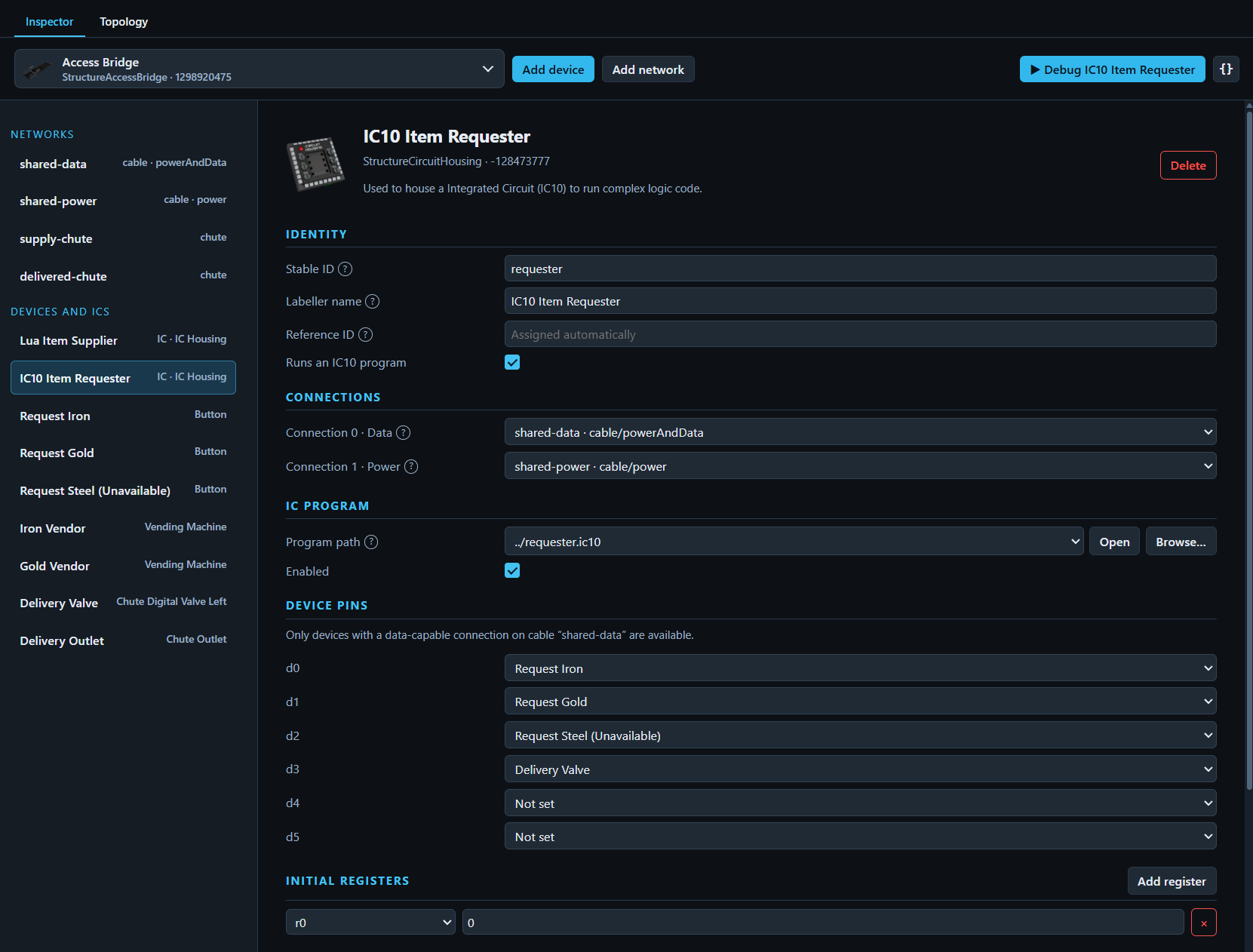
For a complete mixed-language world with operator inputs, open examples/scenario-workbench/testing/workbench.icsim. It contains three request buttons, two IC housings, a shared data network, power, vending machines, chute networks, slots, and a delivery valve. The IC10 requester and Lua supplier can be debugged together in the same world.
Each IC is a debug thread in the same world. Normal stepping advances one instruction; IC10: Step World Tick advances every eligible IC through one coordinated game tick.
Inspect state
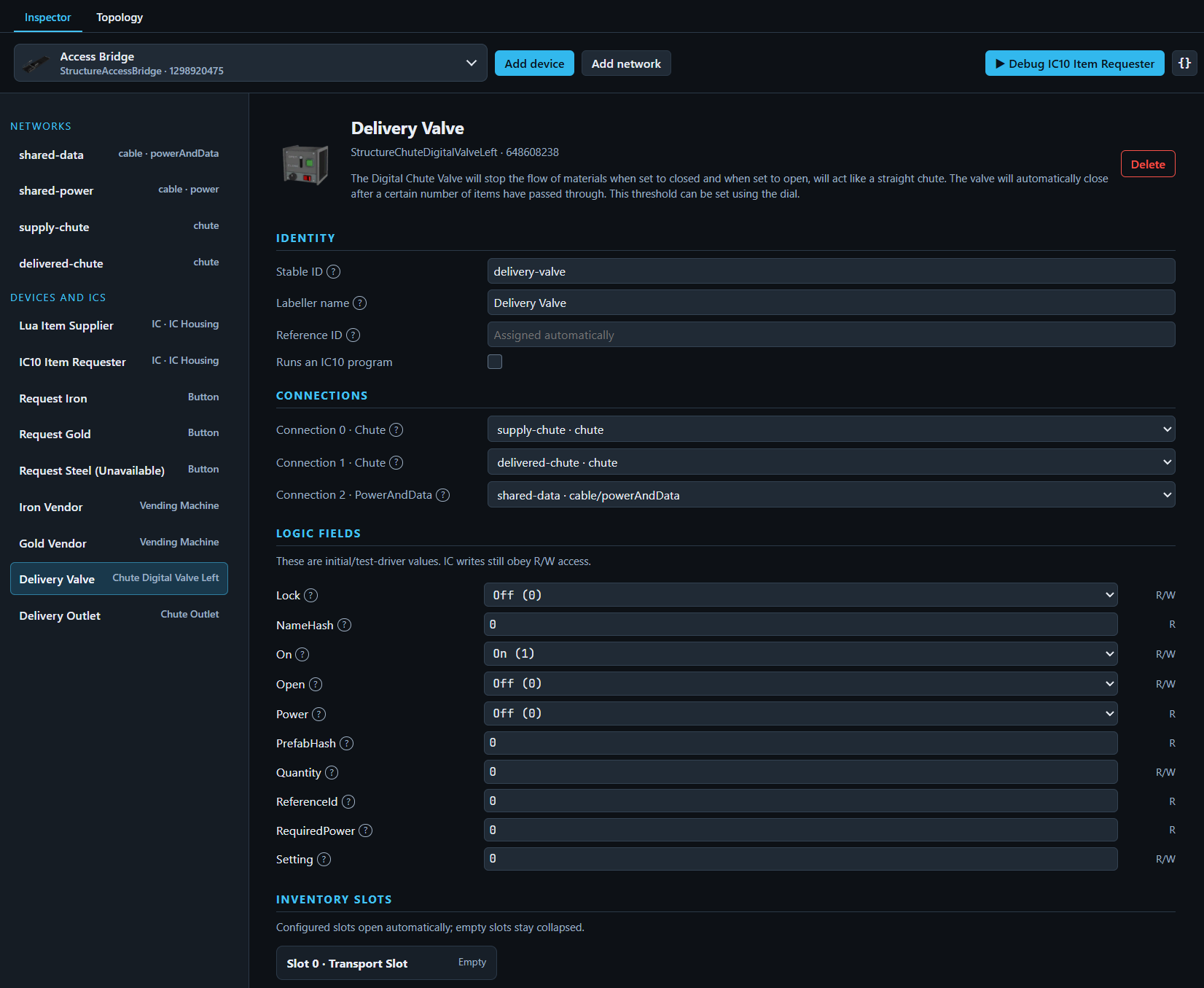
While paused, inspect and edit registers, stack cells, device fields, slots, addressable memory, and cable-network channels. Watches, conditions, logpoints, hover evaluation, and scenario assertions use the same expression grammar.
Use the IC10 State view for a compact register and stack editor. A saved stack can become the housing's sparse initial state for a later program.
Try setting a breakpoint in examples/scenario-workbench/requester.ic10, then start the workbench test or press F5 from the simulation. Inspect r0 for the requested item hash, r1 for the valve slot state, and r2 for completion.
Know the boundary
The simulator includes a narrow, test-oriented behaviour pack. It does not automatically reproduce every recipe, atmospheric system, or active game physics. See the simulator guide and compatibility report for details.